Notes for iPad — a digital notebook for Apple Pencil

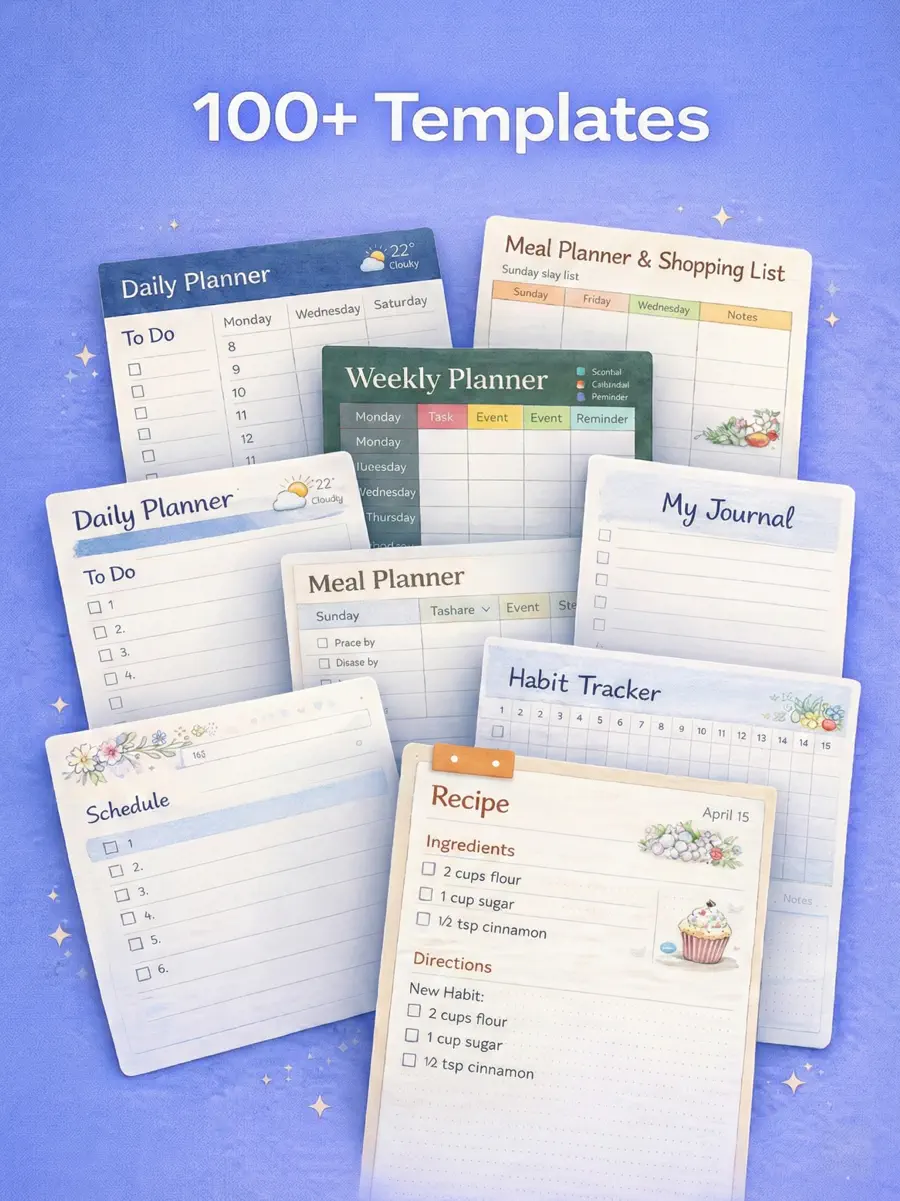
Handwrite notes, plan your week and study with 117 ready-made page templates: Cornell and lecture notes, graph and dot paper, meeting notes, planners and trackers. Free to download, with an optional one-time Lifetime purchase instead of a subscription.

4.6★ from 275 ratings on the App Store · iPad only · by Brite Technologies LLC
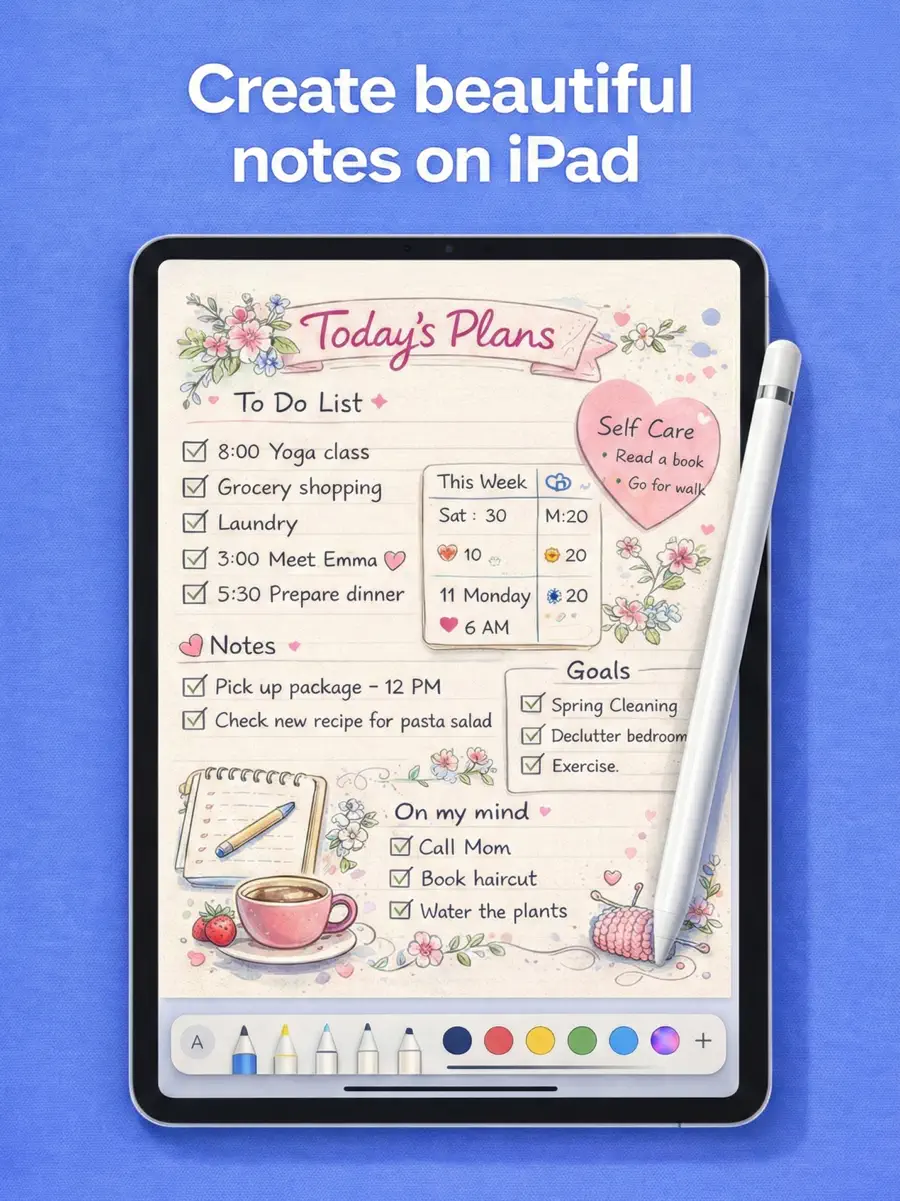
Notes for iPad app showing handwritten notes on a template

Key facts

Notes for iPad screenshot 1Notes for iPad screenshot 2Notes for iPad screenshot 3Notes for iPad screenshot 4Notes for iPad screenshot 5

Free templates — download or write online

Every template below comes straight from the app. Download the PDF, or open it and write with Apple Pencil in your browser.

All 30 free templates →

Guides

Best Note-Taking App for iPad in 2026An honest comparison of the best iPad note-taking apps for Apple Pencil in 2026: Goodnotes, Notability, Apple Notes, Noteful, Nebo and Notes for iPad — pricing models, strengths and weaknesses.Note-Taking Methods: 6 Ways to Take Better NotesThe six note-taking methods that actually work — Cornell, outline, mapping, charting, sentence and Zettelkasten — with when to use each and free templates.The Cornell Method: How to Take Cornell NotesHow the Cornell note-taking method works, step by step: set up the page, take notes, write cue questions and a summary, then review. With an example and a free template.How to Take Notes on an iPadA practical guide to taking notes on iPad: what you need, choosing an app, setting up notebooks and templates, handwriting with Apple Pencil, annotating slides and organising notes.Goodnotes vs NotabilityGoodnotes vs Notability compared for 2026: handwriting, organisation, audio recording, PDF annotation, platforms and pricing models — and who each app is best for.Active Recall: How to Study by Testing YourselfWhat active recall is, why retrieval practice works and how to use it: flashcards, blurting, Cornell cues, practice questions and spaced repetition.Apple Pencil Tips and TricksPractical Apple Pencil tips: double-tap and squeeze, Scribble, Quick Note, screenshot markup, shape recognition, palm rejection, hover, tips and charging.The Feynman Technique: How to Learn Anything by Explaining ItThe Feynman technique in 4 steps: pick a concept, explain it simply, find the gaps, simplify. With a worked example and tips for doing it on paper or an iPad.How to Study for Exams: A Step-by-Step PlanA step-by-step exam study plan: syllabus to topic list, study guide, spaced sessions, practice tests, the night before and exam day.How to Take Notes From a BookHow to take notes from a book you want to remember: marking while reading, a one-page summary, quotes, an index of ideas and spaced review.How to Write Meeting Minutes and Take Meeting NotesHow to take meeting notes and write clear minutes: what to include, before, during and after the meeting, an example and action item format.The SQ3R Reading Method, Step by StepHow to use the SQ3R method (Survey, Question, Read, Recite, Review) on a textbook chapter, with its origin, an example and Cornell notes.The Zettelkasten Method: A Beginner's GuideWhat a Zettelkasten is, how Niklas Luhmann used it, its core principles and how to start one on paper, in an app or by hand on an iPad.

Frequently asked questions

Is Notes for iPad free?

Yes, it's free to download with a set of free templates (lined, dot grid, blank, mind map and more). Premium unlocks all 117 templates and is available as a weekly or yearly subscription, or as a one-time Lifetime purchase.

Is there a one-time purchase instead of a subscription?

Yes. Lifetime Premium is a one-time purchase — pay once and keep Premium, no subscription.

Does it work with Apple Pencil?

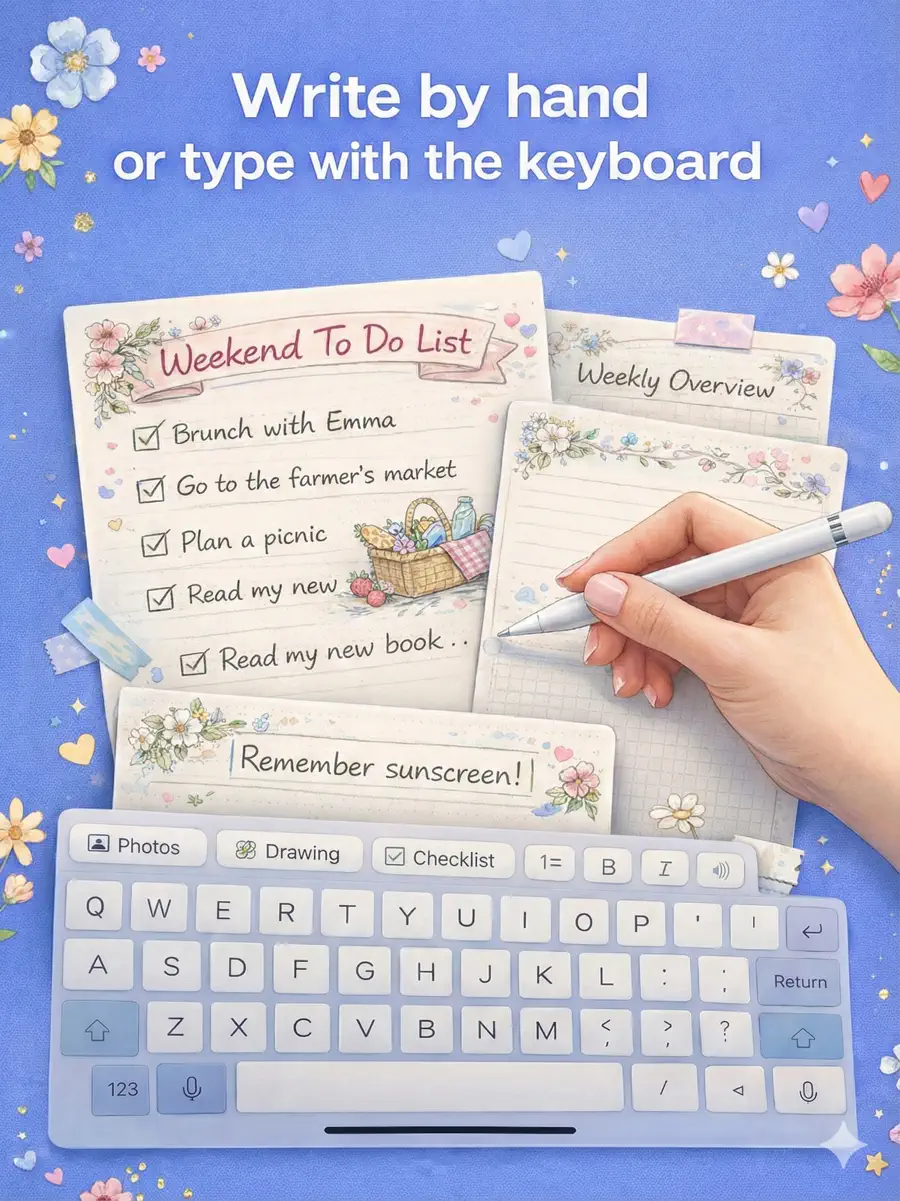
Yes. It's built for handwriting with Apple Pencil (pen, pencil, marker, eraser and lasso tools), and you can also type text and add images and stickers.

Can I import PDFs and export my notes?

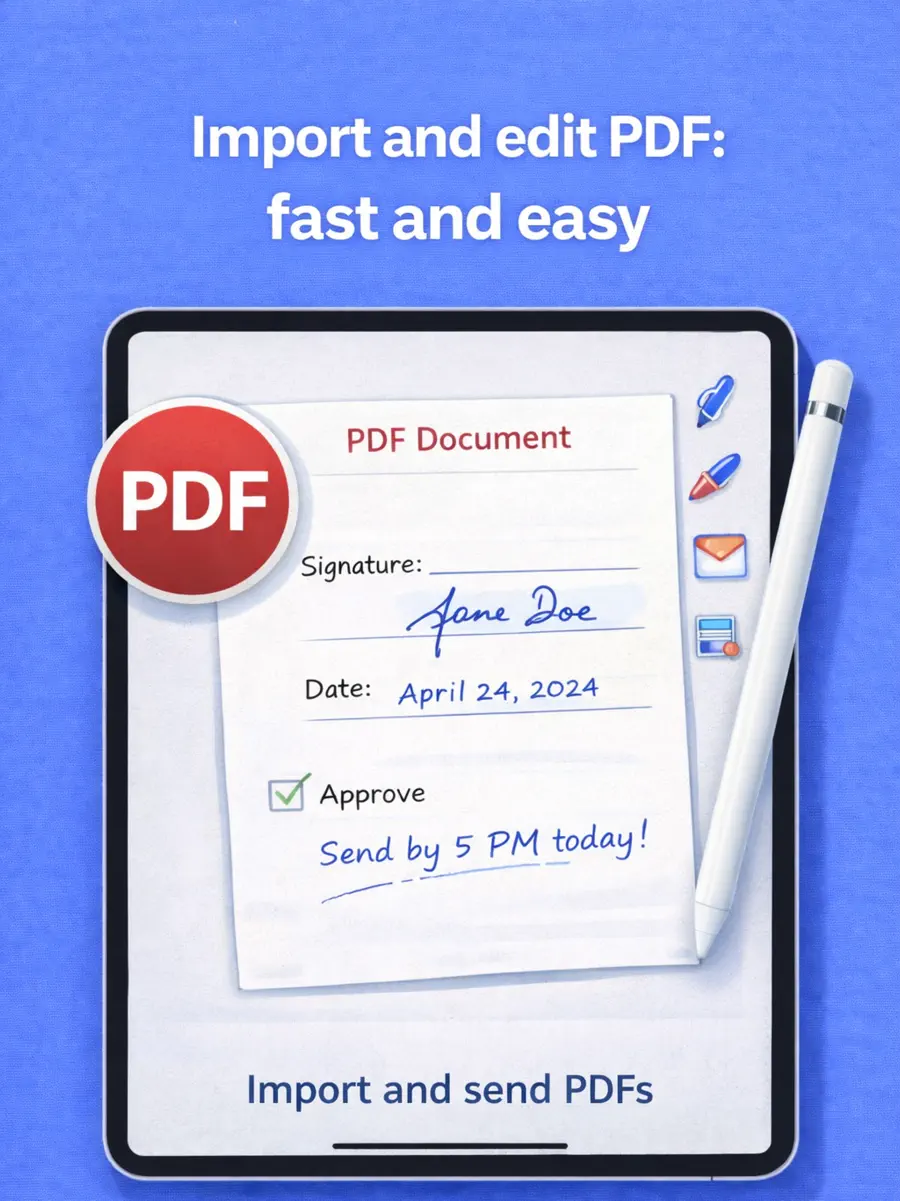
Yes. Import PDFs such as lecture slides to write on them, and export any page or notebook as a PDF to share, print or back up.

Does it work on iPhone or Mac?

No — Notes for iPad is designed for iPad only.

What's missing compared to Goodnotes or Notability?

It doesn't convert handwriting to text or record audio. Its strengths are ready-made templates, stickers and a one-time purchase option. See our honest comparison of iPad note apps.

Notes for iPad app icon

Keep your notes in Notes for iPad

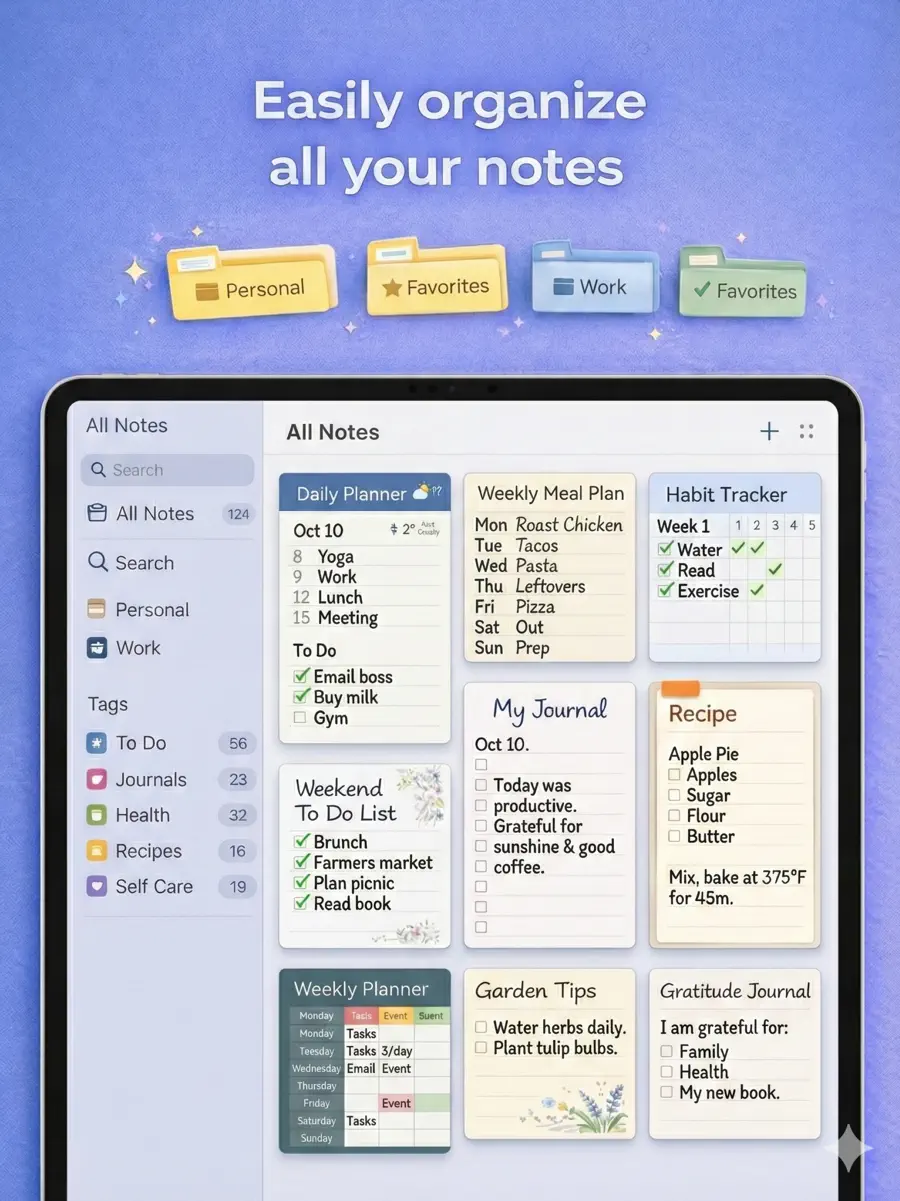
Notebooks, 117 templates, stickers, PDF import and export. Free to download.

Download free